Menu preparation
How to digitize a restaurant menu from paper, a PDF, or a link
Start with the menu you serve today. Here’s how to send Foodsi a readable copy and check the digital version before guests see it.
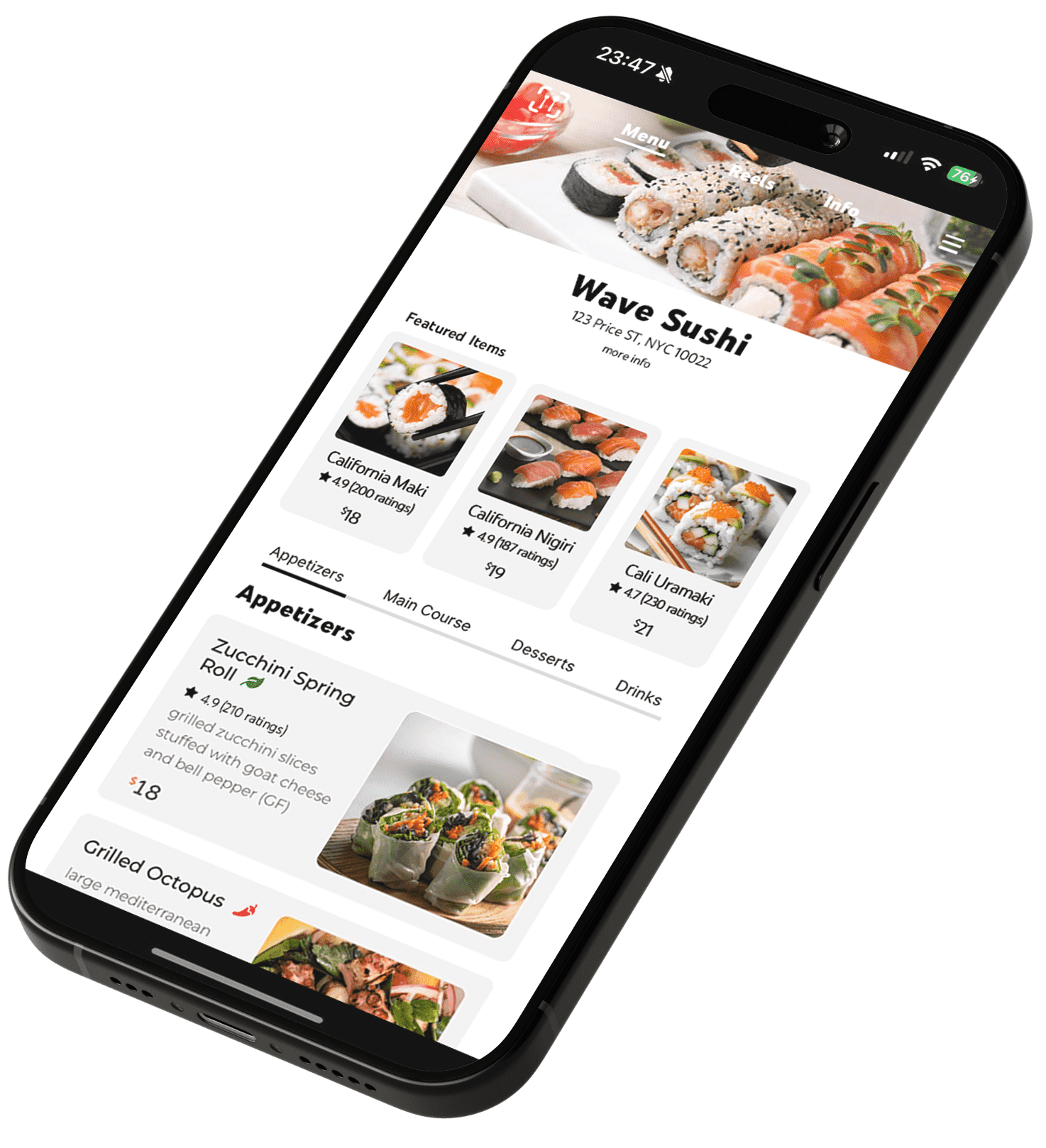
Put a copy of tonight’s menu on the table. If the prices are right and every page is there, you already have most of what you need to get it onto a phone. Foodsi can work from photos of those pages, a PDF, or a link to your existing menu.
The essentials
- Choose the source that matches what guests can order today.
- Keep dish names, prices and options together in each photo.
- Review the digital version against the original before sharing it with guests.
Choose the copy your team actually uses
Suppose the printed lunch menu lists soup and bread for $12, the website still says $10, and a delivery app offers soup on its own. Which version should guests see at the table? Choose one source and check it with the person who runs lunch service. Resolve that difference before submitting the menu.
Lay out the sections in service order. Look for easy-to-miss details such as drinks on the back, sides on a separate card, or a weekday lunch offer with specific hours.
For a rotating menu, write the name of each service on a sheet of paper beside the corresponding stack before you take pictures. A lunch starter can have the same name as an evening main. Knowing which section it belongs to matters as much as getting its price right.
Photograph a paper menu so every price can be read
Lay the page flat in even light and hold the phone directly above it. If a plastic sleeve catches the ceiling lights, take the page out or move away from the reflection. Keep all four corners in the frame and take a separate picture of each side.
Open the photo and zoom in on the smallest price. Can you tell whether the last digit is a five or a six? Check the footnotes too. If you need to take another photo, remove the blurry one and keep the pages in reading order. Foodsi accepts up to 20 photos.
Menus printed across a fold need an extra check. If the left side lists dishes and the right side lists prices, keep both columns in the same picture. Check the first and last rows against the original. A sharp picture of half a table can still leave the reader guessing which price belongs to which dish.
Check the PDF before you upload it
Open the same file you intend to send and count its pages. Foodsi accepts one PDF of up to 20 pages and 2.5 MB. If your print-ready artwork is too large, export a lighter copy and reopen it to check the small type. A link to your current online menu is also an option.
Check the last page, where set-menu conditions or supplements often sit. An old footer saying “drinks included” can change the meaning of a price even when every dish name is right.
Test a restaurant or delivery menu link
Open the link in a private browser window and select a dish. Check the restaurant name and location, especially if branches share a website. If the address opens a homepage, follow the menu button and copy the address that actually shows the food.
On a delivery menu, compare prices, portion sizes and bundles with your dine-in offer. If they differ, send photos or a PDF of the table menu instead.
Send the menu to Foodsi
Enter the restaurant name and a contact email your team checks. Paste your menu link or attach your photos or PDF. Submit the form and look for the receipt message. Foodsi uses that email to follow up and prepares a digital menu for you to review.
Keep the copy you sent. If a price changes before you review the digital version, mark it on that copy so you can spot the difference.
Check the digital menu as if you were taking an order
Pick one dish with options. For a burger with fries and an optional extra patty, check the base price, the included side and the extra charge separately. Then look at the category headings on a small phone. Could a guest find dessert without scrolling through every main course?
Ask someone on the next shift to check a different section against the original. Once you have the public menu address for guests, test it from a phone before printing table cards.
Try this last check with a colleague. Ask them to find the price of one main with a paid side, then tell you what the guest would pay. Look up the same order on the printed menu. If the totals differ, trace the base price, the included items and each supplement separately. Take a note of the exact dish and section so the person reviewing the menu can find it quickly.
For the next step, follow our guide to creating and testing a restaurant QR menu.
Common questions
Can I start with just a paper menu?
Yes. Photograph the pages, including both sides, and upload up to 20 photos. Check that prices and any notes along the edges are legible.
What if my PDF is too large?
Export a smaller readable copy within the 2.5 MB and 20-page limits, or use a link to your current online menu.
Which link should I print on tables?
Use the public address of your finished restaurant menu. The submission form is for restaurant owners and opens a form for sending source material.